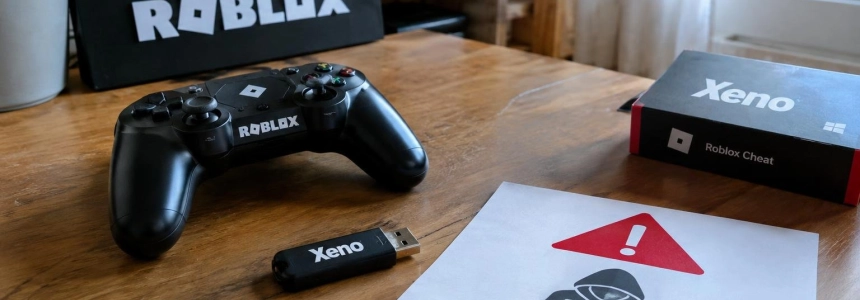
A fake Xeno executor for Roblox can install malware capable of stealing cookies, accounts, and payment data, as well as accessing the camera and controlling the computer. Bitdefender detected the campaign, which was distributed on gaming forums and Discord communities; BleepingComputer reports that it is also promoted through compromised or impersonating accounts.
Who should check their computer
The campaign targets players looking for a version of Xeno advertised as “undetectable.” Xeno is a third-party tool for running scripts in Roblox, not an official game feature. Bitdefender traces the activity back to the beginning of the year and notes a surge in the second half of March.
The attackers replicate the folder structure of a legitimate installation and may include some genuine Lua scripts: files looking familiar does not prove that they are safe.
The first malicious file may be named xeno.exe and located at %LOCALAPPDATA%\Xeno\workspace\cache\xeno.exe. Bitdefender also describes components under %LOCALAPPDATA%\Microsoft\GameDVR, a folder the malware uses to hide a later stage. Bitdefender identifies these names and locations as part of the infection chain.
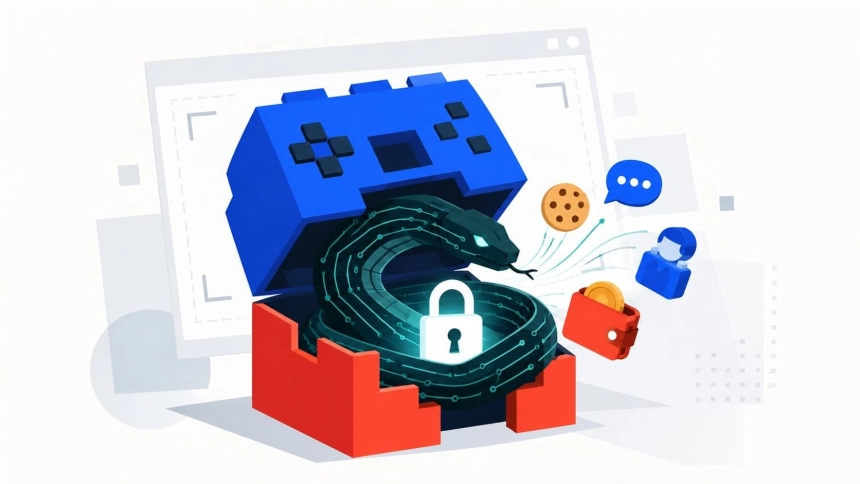
The potential impact extends beyond Roblox: Bitdefender describes the theft of browser cookies, Discord, Roblox, and Minecraft data, cryptocurrency wallet information, and payment data. BleepingComputer adds that the malware can collect data from browsers such as Chrome, Edge, Brave, Opera, and Vivaldi, and access Microsoft Store tokens.
What to do if you downloaded the fake Xeno
Stop using the file and do not run it again. If you still have the ZIP file or installer, do not follow its instructions or try to check whether the executor works. Note where you downloaded it from and, if you can do so without opening it, keep the file name to help with a later review.
Check the locations mentioned in Windows File Explorer. You can paste
%LOCALAPPDATA%\Xeno\workspace\cache\into the address bar and check whetherxeno.exeappears. Do the same for%LOCALAPPDATA%\Microsoft\GameDVR. Bitdefender explains that the malware may leave a JAR file there with a name similar to that of a Windows DLL; do not open or run suspicious files.Do not blindly delete system files. The attackers use names that imitate legitimate components and folders that look trustworthy. If you find something suspicious, do not try to identify it by its name or delete Windows DLLs. Ask a trusted technical expert to inspect the computer or use a security tool you already have installed to scan it.
If you ran the fake installer, prioritize containment. Stop signing in to accounts from that computer while it is being checked. The malware described can steal cookies and credentials, log keystrokes, and provide remote access; changing passwords from the same computer before checking it could therefore expose the new ones.
Change passwords from another device you consider clean for affected accounts, starting with email and then moving on to Roblox, Discord, and Minecraft. Also check payment accounts or cryptocurrency wallets that may have been accessible from the computer. If you notice charges or transactions you do not recognize, contact the payment provider or relevant platform.
Review account activity and sign out of unfamiliar sessions when the service offers that option. Check for password changes, sent messages, or logins you do not recognize. The campaign can steal cookies and tokens as well as passwords, so changing your password is no substitute for reviewing active sessions.
Request a full cleanup before trusting the PC again. Bitdefender describes persistence through an entry called
Display Calibrationin the Windows startup registry key, as well as the ability to run PowerShell and download other files. If you do not know how to check for and remove this type of infection, seek technical help; do not just delete the original installer.If the computer is shared at home, tell everyone who uses it. The campaign may expose private conversations, camera images, and financial data stored on the computer. It is also worth checking the accounts other people have used on that device.
Mistakes that can make the situation worse
Do not trust the “undetectable” label as proof of legitimacy. In this campaign, that promise is used to attract players looking to avoid having Roblox block the tool. Nor is it enough for the package to include genuine scripts or have a convincing folder structure: Bitdefender says the attackers combine these elements with malicious files.
Do not run another version of the supposed Xeno to compare it, or disable system protection to make the installer work. Do not enter new passwords on a computer that may still be infected, and do not assume the problem affects only your Roblox account: the malware can also target browser data, Discord, Minecraft, and cryptocurrency wallets.
The specific preventive measure is to avoid third-party tools from dubious sources, as Bitdefender recommends. If you have already run the fake file, the priority is to check the computer and protect your accounts from a clean device before using it normally again.
Sources: Bitdefender Labs, BleepingComputer, Kaspersky official blog