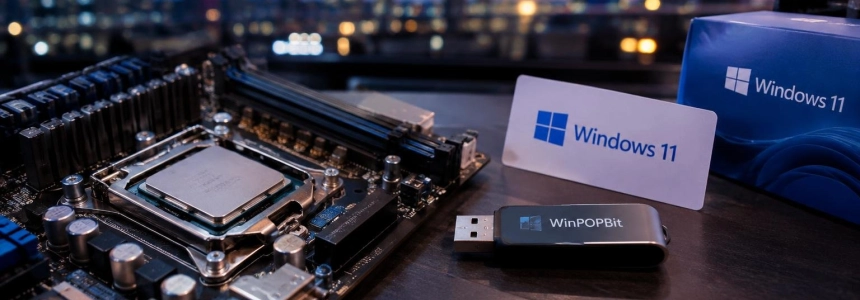
WinPOPBit is preparing new patches to make Windows 11 boot on AMD K8 processors and some Intel LGA 775 chips, including processors from the early 2000s. This is not a Microsoft feature: the project modifies installation and boot files, and its repository warns that the patching is experimental.
The news concerns computers with AMD K8 processors and certain Intel Pentium 4 and Pentium D models, according to Computer Hoy. The CPU name matters: the repository explicitly excludes Intel Core 2 for Windows 11, and an older motherboard may present other obstacles as well, such as the lack of HPET or an AGP GPU.
First, identify the computer and the scope of the patch
Computer Hoy attributes the upcoming expansion to Bob Pony: the tool would add patches for AMD chips in the K8 families and Intel processors based on LGA 775. Examples include Athlon 64 X2, Pentium 4 Prescott, and Pentium D Smithfield. The announcement is not a complete list of tested models, so do not assume every CPU with the same socket is compatible.
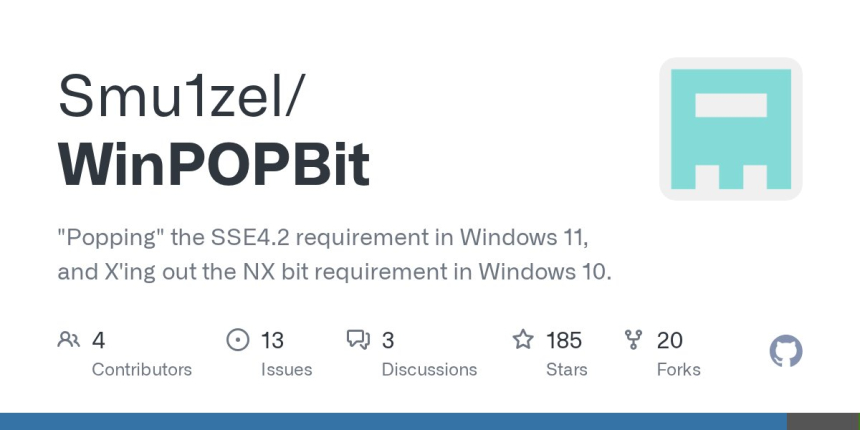
There are also differences between the announcement and the status described by the repository. PCWorld explains that WinPOPBit bypasses processor checks, while the official repository presents the project as a patch for Windows 11's SSE4.2 requirement and Windows 10's NX requirement. These are not the same: check the current documentation for your model before following instructions intended for another CPU family.
| Hardware or system | What the sources say |
|---|---|
| AMD K8 | Computer Hoy reports that patches for this family are in development. |
| Intel Pentium 4 and Pentium D | Computer Hoy mentions some LGA 775 models; the repository shows a test with Pentium 4 Northwood. |
| Intel Core 2 | The repository says it is currently not compatible with Windows 11. |
| Windows 11 | The repository documents the SSE4.2 patch; PCWorld attributes support from 23H2 through 26H2 to Bob Pony. |
Checking the CPU does not remove other installation barriers. PCWorld notes that TPM 2.0 and Secure Boot remain separate and may require additional tools. The repository also lists potential hardware issues, so getting Windows to boot does not guarantee that everything will work normally.
What to do before creating installation media
Confirm the processor model. Check the computer or CPU identification and compare it with the models and families mentioned in the WinPOPBit documentation. If you have a Core 2, the repository says it is not currently supported for Windows 11. Do not infer compatibility just because the socket matches.
Read the documentation for your case. The repository includes a Windows 11 guide and describes the project as experimental. Make sure the instructions apply to the system you want to install and your hardware. Its published requirements include Windows 8 or later to run the tool; if running it from source, Python 3.7 or later and the pefile library are also required.
Check the computer for other obstacles. Separately verify whether your system has TPM 2.0, Secure Boot, and HPET. PCWorld warns that the CPU patch does not address the first two requirements; the repository notes that Windows 11 may get stuck if HPET is unavailable. Do not proceed assuming the patch covers all these cases.
Get WinPOPBit from the official repository. The project itself warns that it distributes its official binaries only there and that files hosted on Dropbox or other sites may be malicious imitations. Do not run a copy received through a third-party link, even if it is presented as a version of the program.
Start with an original ISO. To create a patched image, the guide recommends the full ISO method and shows this example for a Windows 11 24H2 ISO. Replace the filenames with your own and the index placeholder with the appropriate index, following the project guide:
python winpopbit.py build -i Win11_24H2_English_x64.iso -o Win11_Patched.iso --clean --index <index_number>The tool may request administrator permissions to manage WIM mounts and offline registries. This example is for 24H2; do not take it as confirmation that it works unchanged for another version. PCWorld reports that Bob Pony claims the program can enable versions up to 26H2, but this remains an unofficial modification.
Stop if additional requirements appear. The repository warns that some processors without SSE4.1 need Windows 11 23H2 DLLs to patch the installation and details issues that can break it. It also notes that AGP GPUs do not work by default. If your case requires these steps, follow the project's specific documentation; do not improvise substitutions or boot settings.
Mistakes to avoid
Do not confuse “can boot” with “officially compatible”. Microsoft does not endorse this method, and the repository describes the patcher as experimental. Working on one machine does not guarantee the same result on another with a different CPU, motherboard, or peripherals.
Also, do not use a patched ISO as if it were a normal installation without issues. The project describes possible installation and application registration failures if certain files are missing, as well as issues specific to older hardware. A successful boot does not rule out later failures.
Finally, do not reuse Windows 10 instructions for Windows 11 or vice versa: the repository documents different patches, including one for the Windows 10 NX requirement. And avoid binaries from sites unrelated to the project. Before starting, check that the current guide covers your CPU model and that you know which version of Windows you are trying to patch.
Sources: Computer Hoy, PCWorld, GitHub