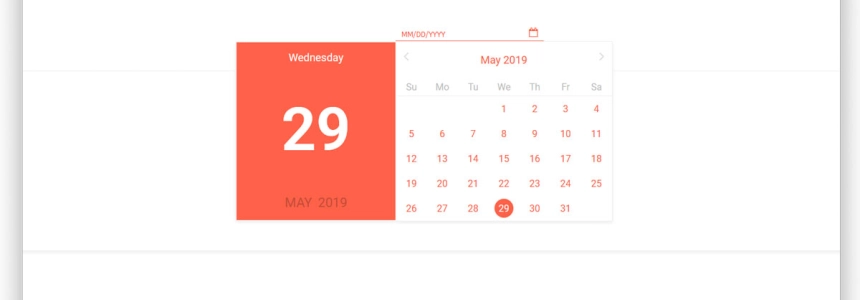
Updated in November 2026. This article was first published in Spanish in 2021, when Bootstrap 4 and jQuery were the norm. Several of the libraries it recommended have since been archived by their authors. We have checked the state of each one on GitHub and npm and rewritten it for Bootstrap 5.
Short answer: for a simple form, you may not need a library at all: <input type="date"> with Bootstrap’s form-control class works in every current browser. If you need more (time, ranges, your own look), Tempus Dominus 6 is the one designed for Bootstrap 5 and is actively maintained. flatpickr, Air Datepicker and Vanilla Calendar Pro are good lightweight options with no dependencies.
First, try the browser’s own date picker
All current browsers have a native date picker. With Bootstrap 5 you only need this:
<label for="date" class="form-label">Date</label>
<input type="date" class="form-control" id="date" min="2026-01-01">
Its advantages: zero kilobytes, good accessibility, the phone’s own calendar on mobile, and the language and date format of the user’s device. The value you receive is always in YYYY-MM-DD format, whatever the user sees. Use type="datetime-local" if you also need the time. Its limits: you can’t change its look much, and it doesn’t do ranges or block specific days.
Date picker libraries that are still maintained
Versions and activity checked on npm and GitHub in November 2026:
- Tempus Dominus 6 (6.10.4). The successor of the classic «bootstrap-datetimepicker», rewritten in TypeScript, without jQuery. Date and time, ranges, locales and Bootstrap 5 styles. It needs Popper, which Bootstrap 5 already uses.
- flatpickr (4.6.13). Very popular, small and with no dependencies: single date, ranges, multiple dates, time and around fifty languages. It hardly changes any more, but it is stable and widely used.
- Air Datepicker (3.6.0). Light, no dependencies, with ranges, multiple selection, time and a clean design that is easy to adapt.
- Vanilla Calendar Pro (3.4.2). No dependencies and very active. Good if you want a calendar always visible on the page, not only a pop-up.
- vanillajs-datepicker (1.3.4). Without jQuery and with ready-made Bootstrap styles. Simple and with few updates in recent years.
- bootstrap-datepicker (1.10.1). The classic. It still receives fixes, but it depends on jQuery: only worth it if your project already uses it.
- Date Range Picker (4.0.2). The usual choice for date ranges with presets («Last 7 days», «This month»). It needs jQuery and Moment.js.
Libraries to avoid in new projects
These are archived on GitHub, which means nobody will fix their bugs: Pikaday, Litepicker, easepick, jtsage-datebox and bootstrap-material-datetimepicker. If you already use one and it works, there is no hurry, but don’t start anything new with them.
Tempus Dominus with Bootstrap 5
After loading Bootstrap 5 and Tempus Dominus (CSS and JavaScript), this is enough:
<input id="appointment" type="text" class="form-control">

<script>
  new tempusDominus.TempusDominus(document.getElementById('appointment'));
</script>
By default it uses Font Awesome icons; you can change them in the options if your project uses another icon set.
flatpickr with a date range
<input id="stay" type="text" class="form-control">

<script>
  flatpickr('#stay', { mode: 'range', dateFormat: 'Y-m-d' });
</script>
Which one to choose
- A normal form (date of birth, booking date): the native input.
- Date and time with Bootstrap’s look: Tempus Dominus 6.
- Something light for any project: flatpickr or Air Datepicker.
- A visible calendar on the page: Vanilla Calendar Pro.
- Ranges with presets in a dashboard that already uses jQuery: Date Range Picker.
Frequently asked questions
Does Bootstrap 5 have its own date picker?
No. Bootstrap 5 only styles the native <input type="date">. For anything more you need a library such as Tempus Dominus.
Is bootstrap-datepicker still a good choice?
Only if your project already uses jQuery. For a new project, Tempus Dominus or flatpickr are better.
Which date picker supports date ranges?
flatpickr, Air Datepicker, Vanilla Calendar Pro, Tempus Dominus and Date Range Picker. The native input does not.
Can I use the native date input in production?
Yes. All current browsers support it, it is accessible and on mobile it opens the phone’s calendar.