In today’s article we will write about how to make a working form that upon hitting that submit button will be functional and send the email (to you as a web creator and to the user or customer as well).
If you’re a PHP developer, there's a high probability that you can't avoid having to send or process emails. Functional form on your site is one of the basic needs or standards nowadays. If you don't have a form on your website, you could be missing out on more leads, potential customers or just simply subscribers, with added benefit of security.
Prerequisites
Knowledge of HTML, CSS, JavaScript and it won't hurt if you know a bit of PHP.
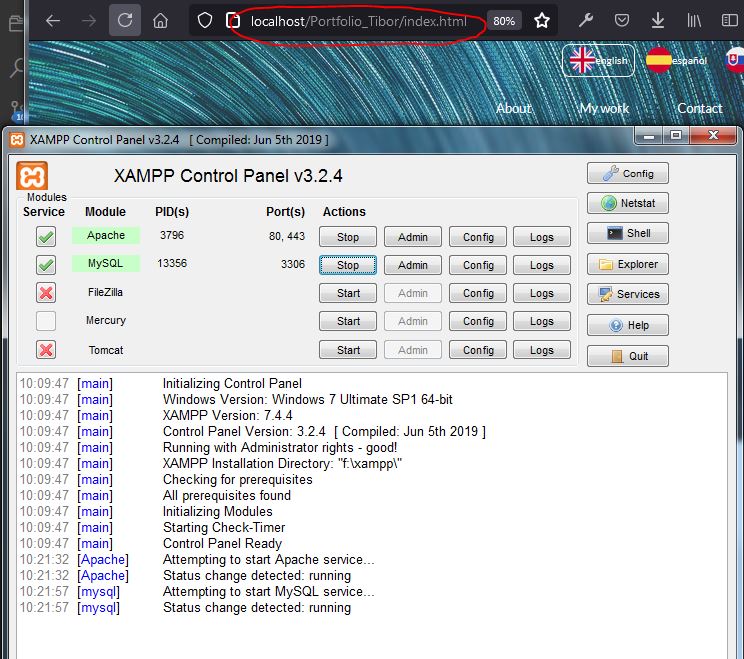
Also for PHP code to work, we will test the functionality on XAMPP, this could be omitted if you would upload the code to the web host upon every change, so the host would be the one running PHP, this way it is possible to work in a kinda ‘live’ environment.
(Note: when we’re running XAMPP, it is run under admin rights, by clicking right mouse and choosing this option.)
We assume that you have an existing Gmail account for the testing of this code, and that you will use Gmail’s SMTP server to transmit email.
Basic form
This code will create a really basic form that asks for the contact's name, email, both with a maximum length of 40 characters, message upto 500 characters, and a submit button. For a more comprehensive one, we'll have to add some more lines of code, but that we will do later.
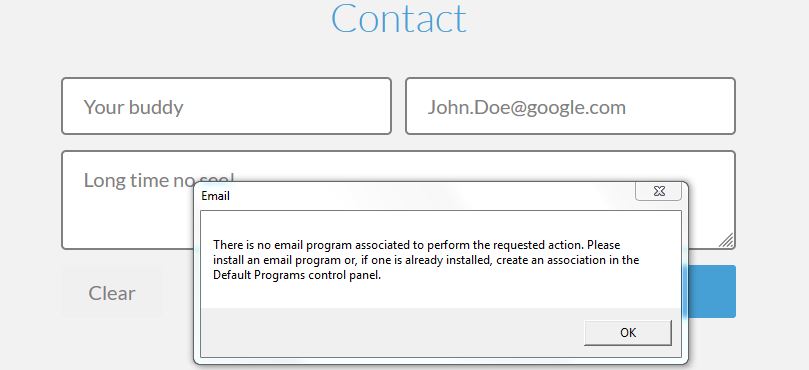
Also this code is rather non-functional - it doesn't send directly to email address, but it opens an email client window to submit the form, so the input field for email we just asked to be filled by the user is pretty much useless.
(Note: this is similar to HTML
John Doe )
PHP code - Server Side Handling
So to make the magic happen, we assume that your website will have some working PHP server, even local or live host.
method="POST"This determines how the form data is submitted to the server, there are two ways to do this, POST or GET. We will use POST so the filled data in form will be sent “behind the scenes” and they won't appear in our URL as they would with GET. So NEVER use GET to send sensitive data as the submitted form data is visible in the URL!
POST has no size limitations, and can be used to send large amounts of data.
accept-charset="utf-8"
Action parameter will determine where the filled data will be sent to, this will be a new file we create in file structure. Choose the name of the file whatever you want, for example subscribersform.php, in our case we will name it sendmail.php.
This could be even the same page we started on - index.html with php code before all the HTML code and renamed to index.php. This would work the same way.
What happens here is by having sendmail.php in the action parameter, after hitting submit, the code will send the form data to sendmail.php where it will be captured.
If we write our code like the one below, it would redirect us to that file - effectively launching another webpage.